
Jotform has been around for decades. It covers a lot of ground. But it has its own limitations, such as submission limits, dated UI, and multiple users reserved for enterprise, etc. So most teams have started looking for something better. We tested the most-recommended alternatives to find the ones that are actually worth switching to.
TL;DR: Jotform alternatives at first glance
If you’re short on time, here’s a comparison table to show you which typeform alternative is best known for, offers what on their free plan, their starting price, and key advantages versus Jotform:

| Tool | Best for | Free plan | Starting price | Key advantage vs. Jotform |
| forms.app | General forms and surveys | ✅ 100 responses/mo | $19/mo (annual) | Up to 100k responses/mo; better form-filling experience, drop-off analysis, cleaner UI |
| Typeform | Conversational design | ✅ 10 responses/mo | $28/mo (annual) | Premium UX, better form creation experience, drop-off analysis, and data enrichment |
| Google Forms | Simple free forms | ✅ Unlimited | Free | Completely free, no form or submission limits |
| Formstack | Regulated industries | ❌ None | $83/mo (annual) | HIPAA compliance, approval workflows |
| SurveyMonkey | Market research | ✅ Limited | $20/mo (annual) | Built-in audience panels |
| Paperform | Landing page forms | ✅ 30 responses/mo | $24/mo (annual) | Custom code injection, payment integrations |
| Tally | Creators and startups | ✅ Unlimited | $24/mo (annual) | Unlimited submissions |
| Microsoft Forms | Microsoft 365 users | ✅ Unlimited | Included with M365 | Native Teams and Excel integration, unlimited form submissions |
| WPForms | WordPress sites | ✅ Lite version | $99/year | WordPress-native |
| Zoho Forms | Zoho ecosystem | ✅ 3 forms | $10/mo | CRM integration, low entry price |
Why People Switch from Jotform
Before we get into the alternatives, it helps to understand exactly what pushes people to look elsewhere. If you experience the following, then you will definitely like the list of tools we have in this article.
- Limits compound: Jotform has limits on almost anything; you will have restrictions for forms, monthly submissions, storage, and user seats. You can hit any one of those ceilings and find yourself forced to upgrade, even if the others are barely used.
- Most plans are single-user: All plans except the most expensive enterprise tier are designed for one person. Teams have to jump to the highest plan to collaborate, which makes Jotform expensive for organizations that just want a few people sharing access to forms.
- Pricing scales fast: The free plan allows 100 submissions per month and 5 forms. That’s fine for experimenting, but the moment volume picks up, costs rise quickly. Reaching 100,000 monthly responses with Jotform requires a plan that costs hundreds of dollars.
- Feature gating: Certain features, including some integrations, custom branding, and advanced logic options, are locked behind paid tiers in ways that feel arbitrary given what competitors offer for free or at lower price points.
These aren’t deal-breakers for every user, but for teams that are growing or need more than basic data collection, they add up.
The Best Jotform Alternatives in 2026
1. forms.app (Best all-around Jotform alternative)
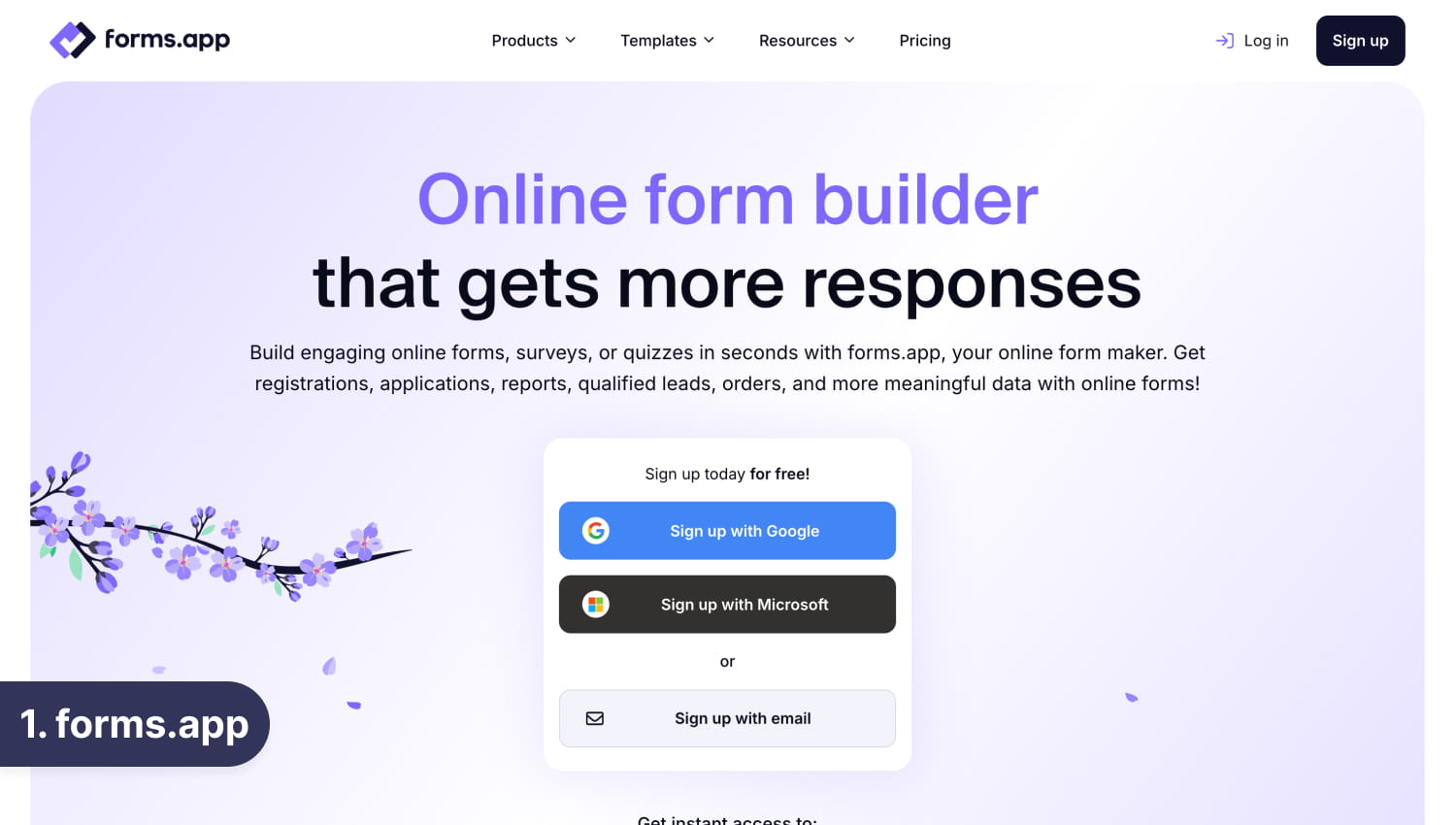
forms.app is a well-rounded and flexible form builder. It is the most direct Jotform alternative for teams that want a full-featured platform without paying a premium to scale. It combines a smooth form-filling experience with a powerful feature set and pricing that stays transparent as your volume grows.
Like Jotform, forms.app has conditional logic, a large template library (5,000+), payment integrations, team collaboration, both a step-by-step (conversational) layout and a classic list view in the same platform, and native connections to tools like Google Sheets, Slack, HubSpot, and Notion.
Unlike Jotform, forms.app offers save-as-draft (respondents can return later to complete a form), drop-off analysis, partial submissions, a professional-looking product listing field, and follow-up messaging.
Pricing also makes a huge difference. While Jotform charges hundreds of dollars according to users for team collaboration and large volume response collection, you can have both (9+ users and 100k submissions/mo) for 59/mo with an annual subscription.
The forms.app Highlights
- AI form generator: Describe your form, and it’s ready in seconds. The AI also suggests questions, generates multiple-choice options, and can tune individual questions based on your goals.
- Drag-and-drop builder: Intuitive editor with 30+ field types, no coding required.
- Step view and list view: Offer the conversational one-at-a-time experience or a traditional multi-question layout, depending on what works best for your audience.
- Automated PDF generation: Turn form submissions into formatted PDFs automatically. Useful for contracts, applications, reports, and any process that needs a paper trail.
- Save as draft: Respondents can save progress, receive a unique link, and come back to finish later.
- Native integrations: Connect directly with Google Sheets, Slack, Notion, HubSpot, Mailchimp, Discord, and more. Zapier support extends this to thousands of additional apps.
- E-signatures and terms & conditions fields: Collect consent without a separate tool.
- Built-in results page: Track submissions, view form statistics, analyze drop-offs, and even view partial submissions.
forms.app’s Pricing
| Plan | Monthly billing | Annual billing | Responses/mo |
| Free | $0 | $0 | 100 |
| Basic | $29/mo | $19/mo | 1,000 |
| Pro | $39/mo | $29/mo | 10,000 |
| Premium | $79/mo | $59/mo | 100,000 |
A free plan is available with no time limit. Paid plans include a 90-day money-back guarantee. NPOs and education organizations qualify for 50% off annual plans.
Best for: Marketers, small businesses, educators, agencies, and any team looking for a Jotform replacement that is just as capable but more affordable.
Ratings: Capterra – 4.6⭐/5 · G2 – 4.5⭐/5
2. Typeform (Best for conversational, design-first forms)
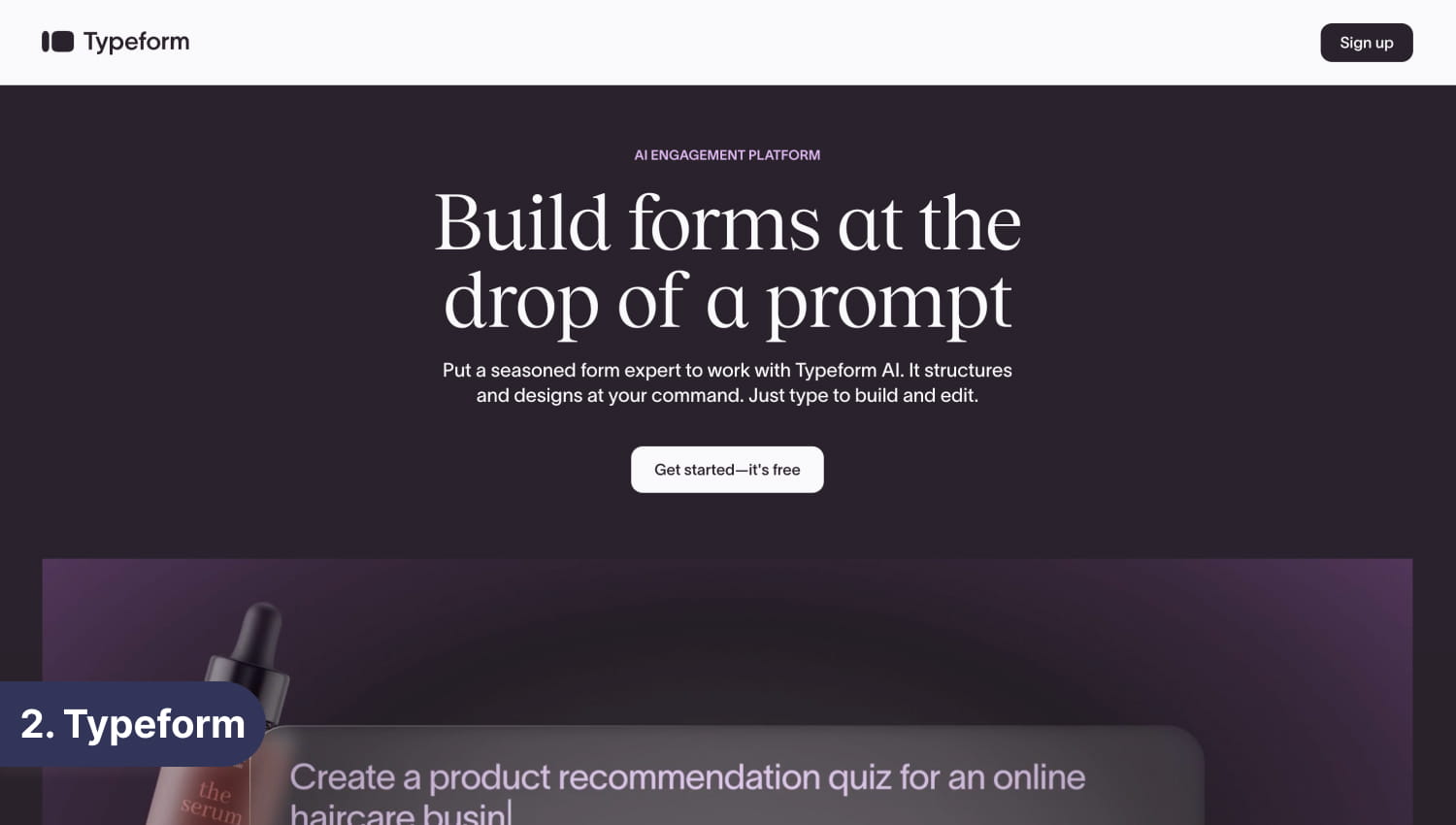
Typeform built its reputation on making forms feel like conversations. Its one-question-at-a-time layout reduces visual overwhelm, creates an engaging experience, and tends to produce higher completion rates than traditional multi-field forms.
Typeform also has a visual logic builder that makes conditional branching easier to understand than Jotform’s rule-based setup, and its analytics include drop-off rates at the question level, a feature that’s genuinely useful for optimizing forms over time.
The catch is pricing. Typeform’s free plan allows only 10 responses per month, making it essentially unusable for anything beyond testing. Paid plans start at $28/month (annual) for 100 responses, and costs climb quickly as volume grows.
Best for: Lead generation forms, customer feedback, and any context where respondent experience directly affects your results.
Pricing: Free plan (10 responses/mo); paid plans from $28/mo (annual).
Ratings: Capterra – 4.6⭐/5 · G2 – 4.5⭐/5
3. Google Forms (Best free option for simple needs)
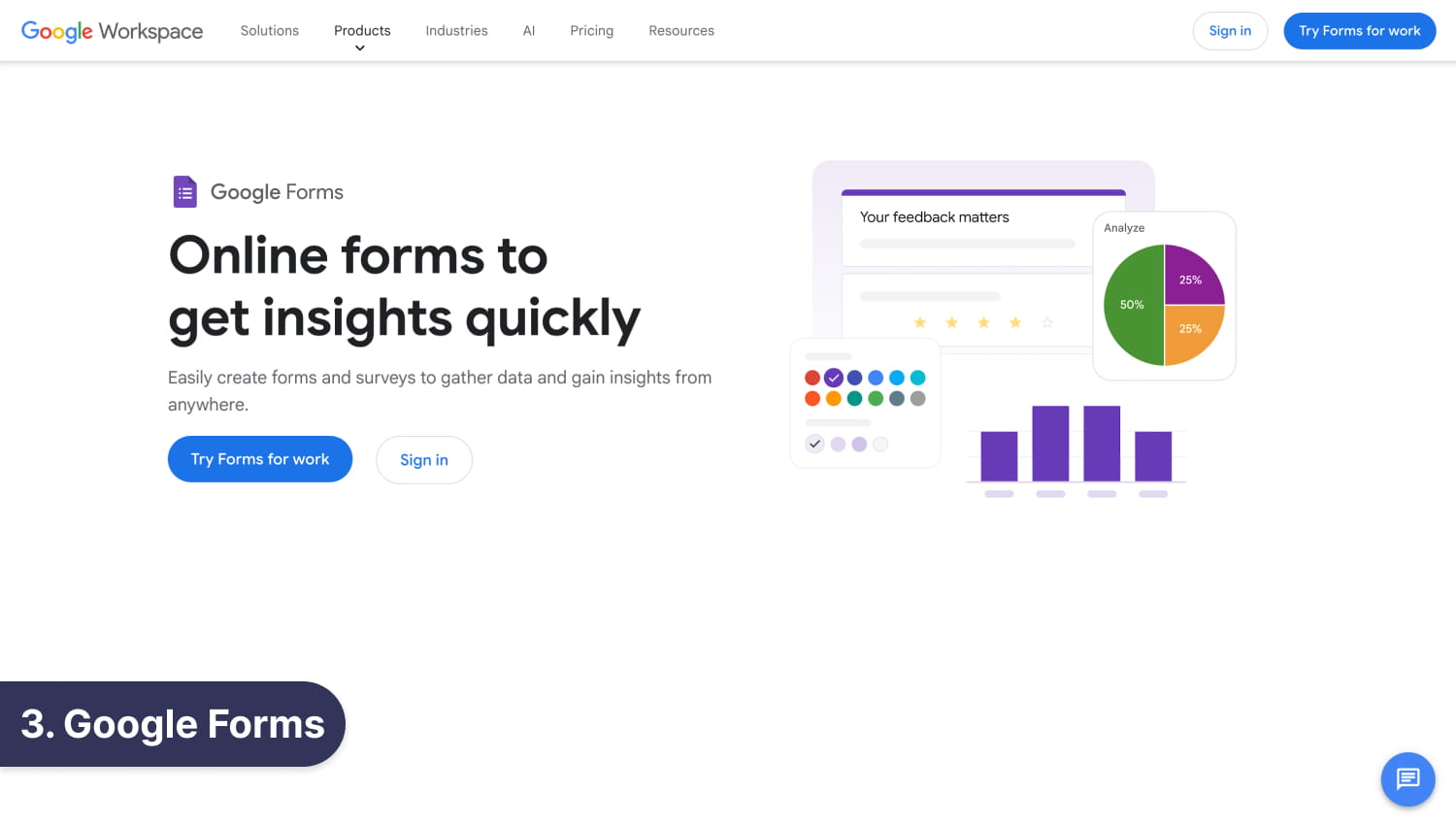
Google Forms is the most accessible form builder available. No account upgrade required, no submission limits, no payment. If you have a Google account, you can access Google Forms.
It covers the basics well: multiple question types, file uploads, basic conditional logic, email capture, and automatic sync to Google Sheets. For internal surveys, event registration, quick feedback forms, or anything that doesn’t need branding or payments, Google Forms is a completely reasonable choice.
The limitations show up quickly, though. Design customization is minimal. There are no payments, no e-signatures, no AI features, no PDF generation, and no branded domains. If your form is customer-facing or part of a professional workflow, Google Forms will feel inadequate.
Best for: Internal surveys, quick feedback, educational quizzes, and Google Workspace teams on a zero budget.
Pricing: Free with a Google account.
Ratings: Capterra – 4.7⭐/5 · G2 – 4.6⭐/5 (Google Workspace)
4. Formstack (Best for regulated industries)
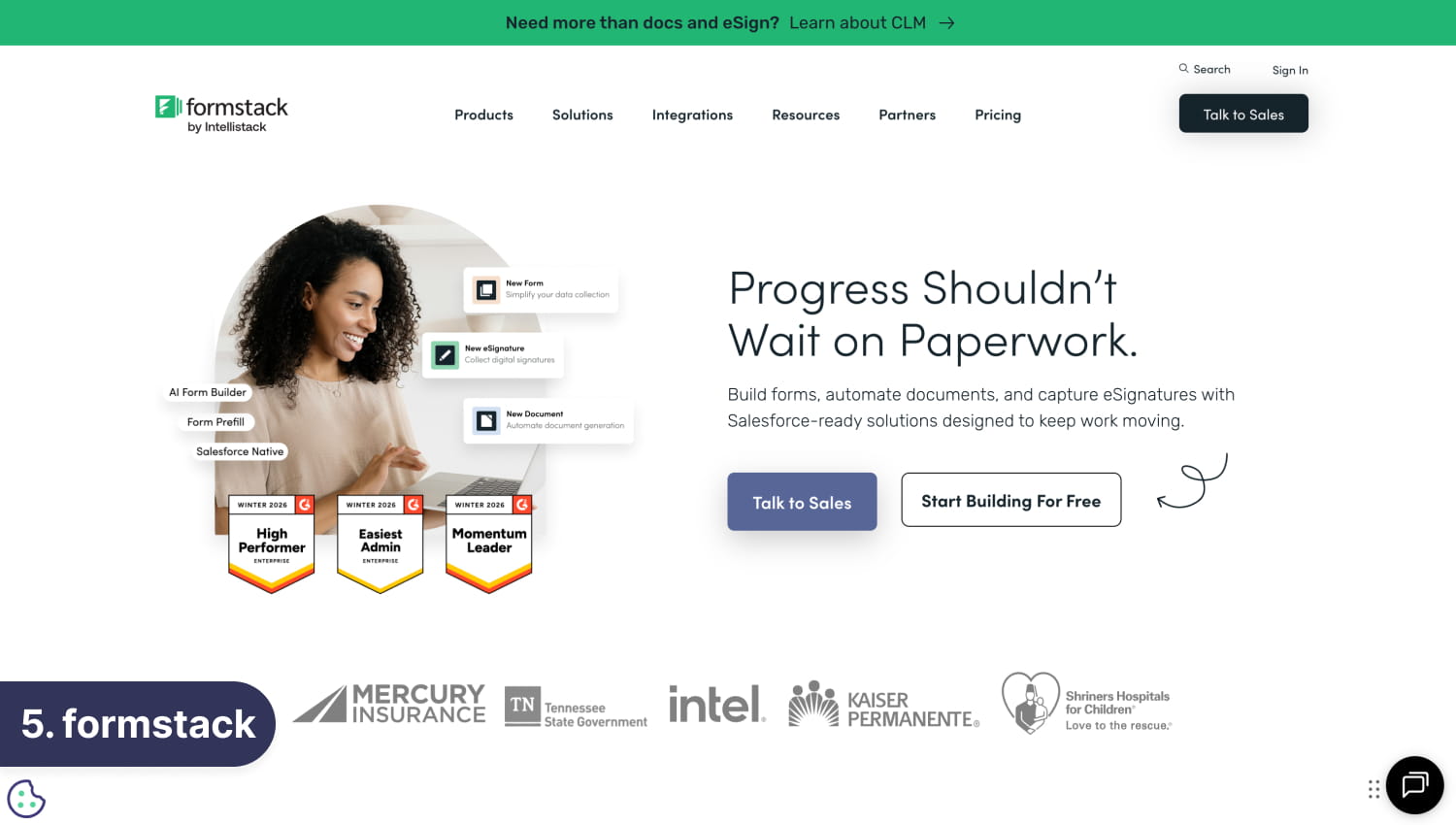
Formstack is a form builder built with compliance in mind. It’s designed for organizations in healthcare, legal, finance, and other regulated industries where HIPAA compliance, multi-step approval chains, and document generation are requirements rather than nice-to-haves.
Formstack goes beyond simple data collection: submissions can be routed through manager approvals, legal review, or any other stakeholder before final processing. On higher-tier plans, it can generate documents from form submissions and route them for e-signature, supporting complex operational workflows.
It’s worth being direct: Formstack is expensive. There’s no free plan; the entry price is $83/month (annual) for one user and 25 forms, and the full document + forms + e-signature suite costs $250/month. For teams that genuinely need enterprise compliance features, that cost may be justified. For everyone else, it’s overkill.
Best for: Healthcare organizations, legal teams, enterprises with compliance requirements, and the budget to match.
Pricing: Paid plans from $83/mo (annual); no free plan.
Ratings: Capterra – 4⭐/5 · G2 – 4.3⭐/5
5. SurveyMonkey (Best for survey research and analytics)
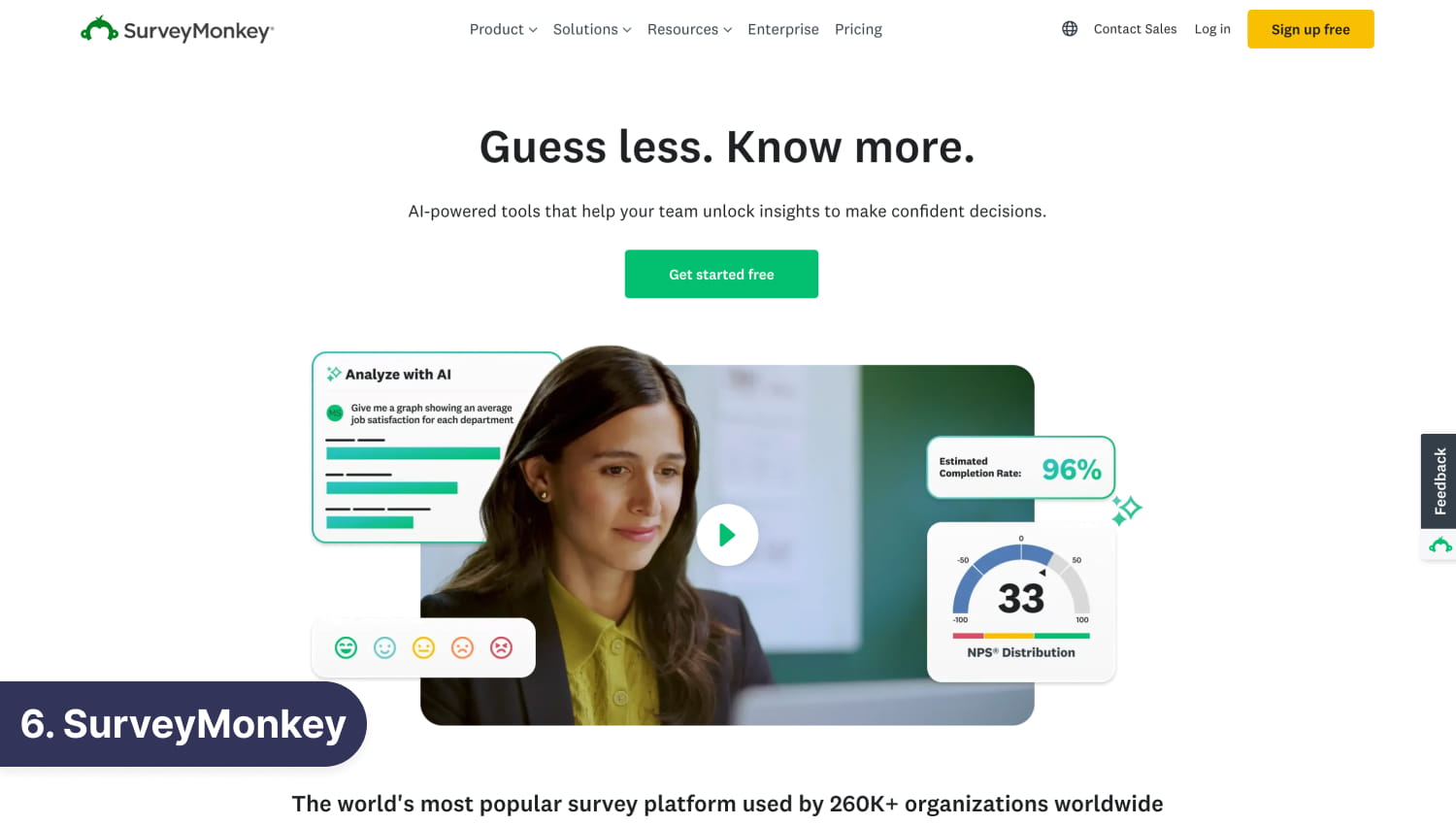
If you use Jotform for surveys, then SurveyMonkey is the go-to platform for your need for serious analysis alongside data collection. Where most form builders offer basic response summaries, SurveyMonkey goes deep, with cross-tabulation, sentiment analysis, industry benchmarking, and trend tracking built right into the platform. It’s less a form builder and more a research tool that happens to include forms.
That focus comes with limitations. SurveyMonkey is purpose-built for surveys, so it’s not the right choice if you need payment collection, document generation, or highly custom form layouts. But for HR teams running employee engagement surveys, marketers conducting customer research, or academics gathering structured data, it’s the strongest dedicated option available.
Best for: Researchers, HR teams, and marketers who need robust survey analytics and reporting beyond what general form builders provide.
Pricing: Free plan available (limited). Paid plans from $20/mo (billed annually).
Ratings: Capterra – 4.6⭐/5 · G2 – 4.4⭐/5
6. Paperform (Best for landing page forms)
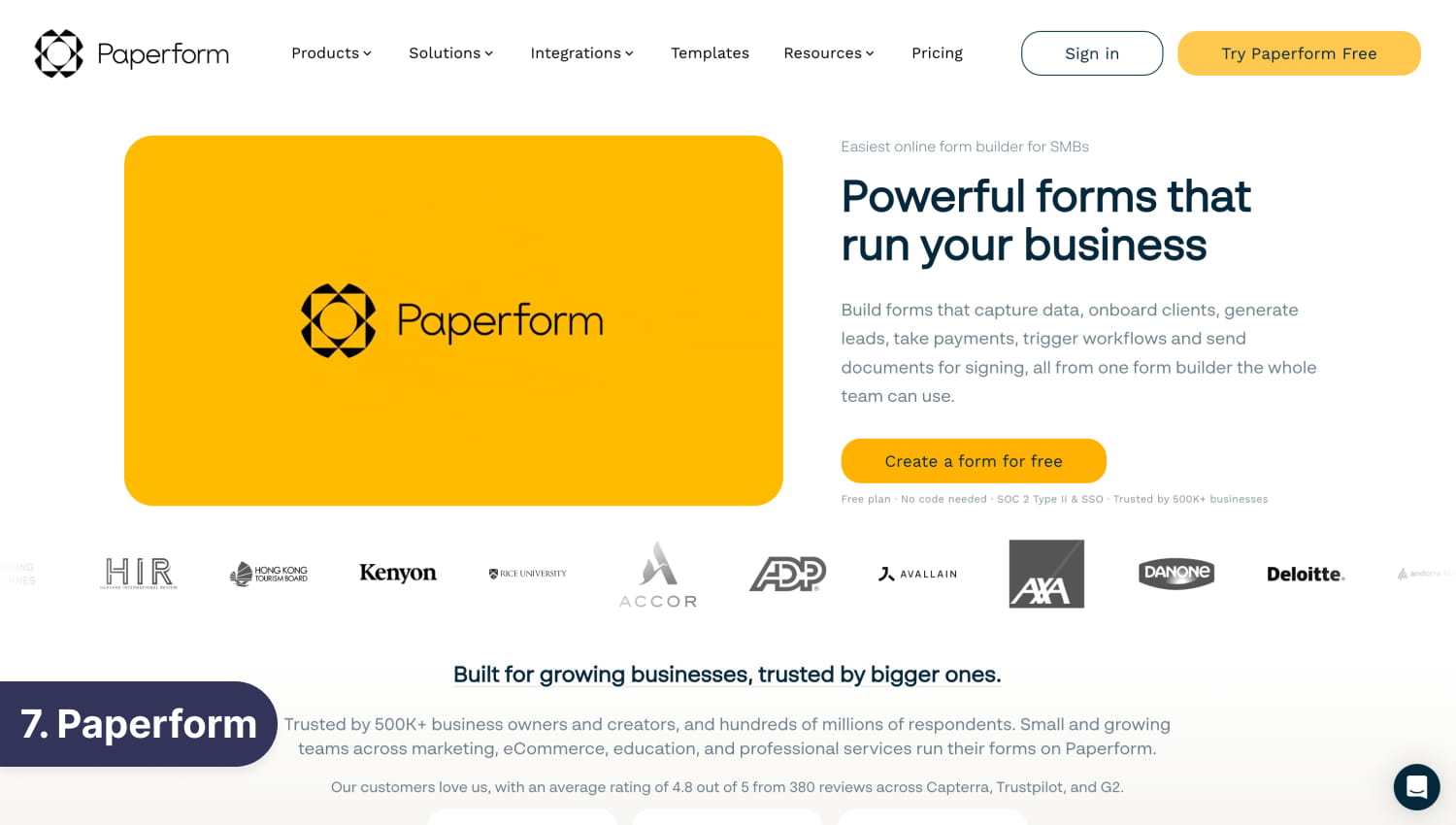
Paperform is the form builder for teams that want their forms to look like landing pages. Rather than a standard question list, Paperform lets you blend questions with text, images, videos, and pricing blocks on a single canvas, or inject code; the result feels more like a branded sales or booking page than a traditional form. It’s especially effective for product orders, service bookings, event registrations, and any scenario where presentation directly influences conversion.
In our experience, the UI of Paperform definitely has a learning curve, and you need time to adjust.
The downside is accessibility; there’s a free plan with only 30 responses a month, and the entry plan limits submissions to 100 per month. For teams with straightforward data collection needs, that’s a poor fit. But for small businesses and creative agencies where every customer touchpoint needs to reflect the brand, Paperform’s flexibility justifies the cost.
Best for: Small businesses, agencies, and creative teams that need forms that double as polished, branded customer-facing pages.
Pricing: Free plan available with 30 submissions/mo. Paid plans from $24/mo.
Ratings: Capterra – 4.8⭐/5 · G2 – 4.8⭐/5
7. Tally (Best for creators on a budget)
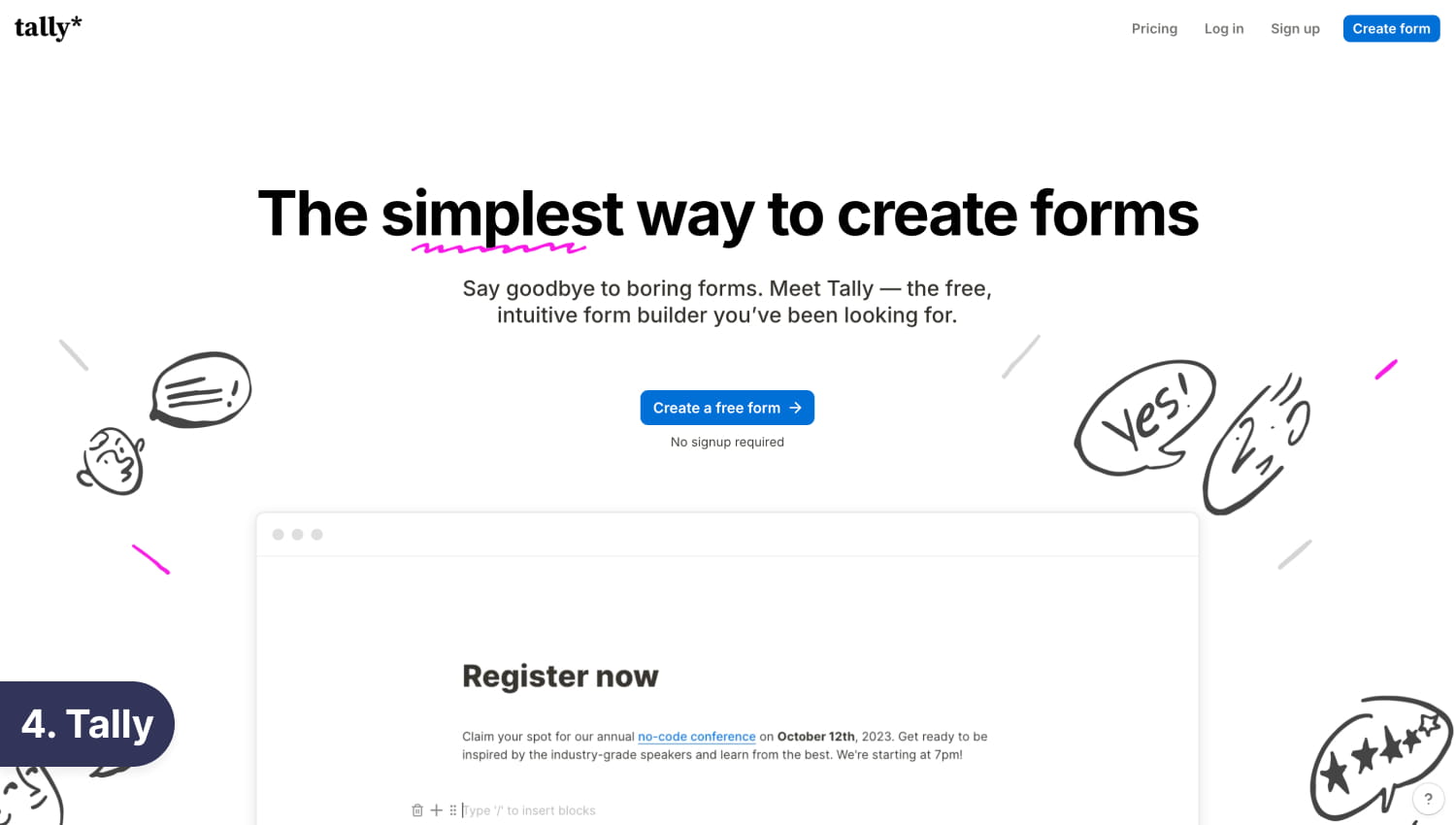
Tally takes a Notion-like approach to form building. Forms are created in a document-style editor. Type a question and hit enter to continue, or use slash commands to add different field types.
Tally’s free plan is generous: unlimited submissions. You only run into limits if you want to remove Tally’s branding, use custom domains, access team features, or other advanced features, all of which require the Pro plan.
The trade-off is feature depth. Tally doesn’t have an AI generator, PDF generation, workflows, and as many native integrations as Jotform and other form builders. Its analytics are limited on the free plan, and email notifications require an upgrade. For creators and indie makers who need functional, clean forms without paying anything, Tally is great. For businesses that need the full stack of features, other Jotform alternatives offer more at a comparable paid price point.
Best for: Individual creators and indie hackers who want professional forms without a budget.
Pricing: Free (unlimited forms and responses); Pro plan at $24/mo (annual).
Ratings: Capterra – 4.9⭐/5 · G2 – 4.8⭐/5
Other Tools Worth Knowing
These tools didn’t make our main list but are worth mentioning for specific situations.
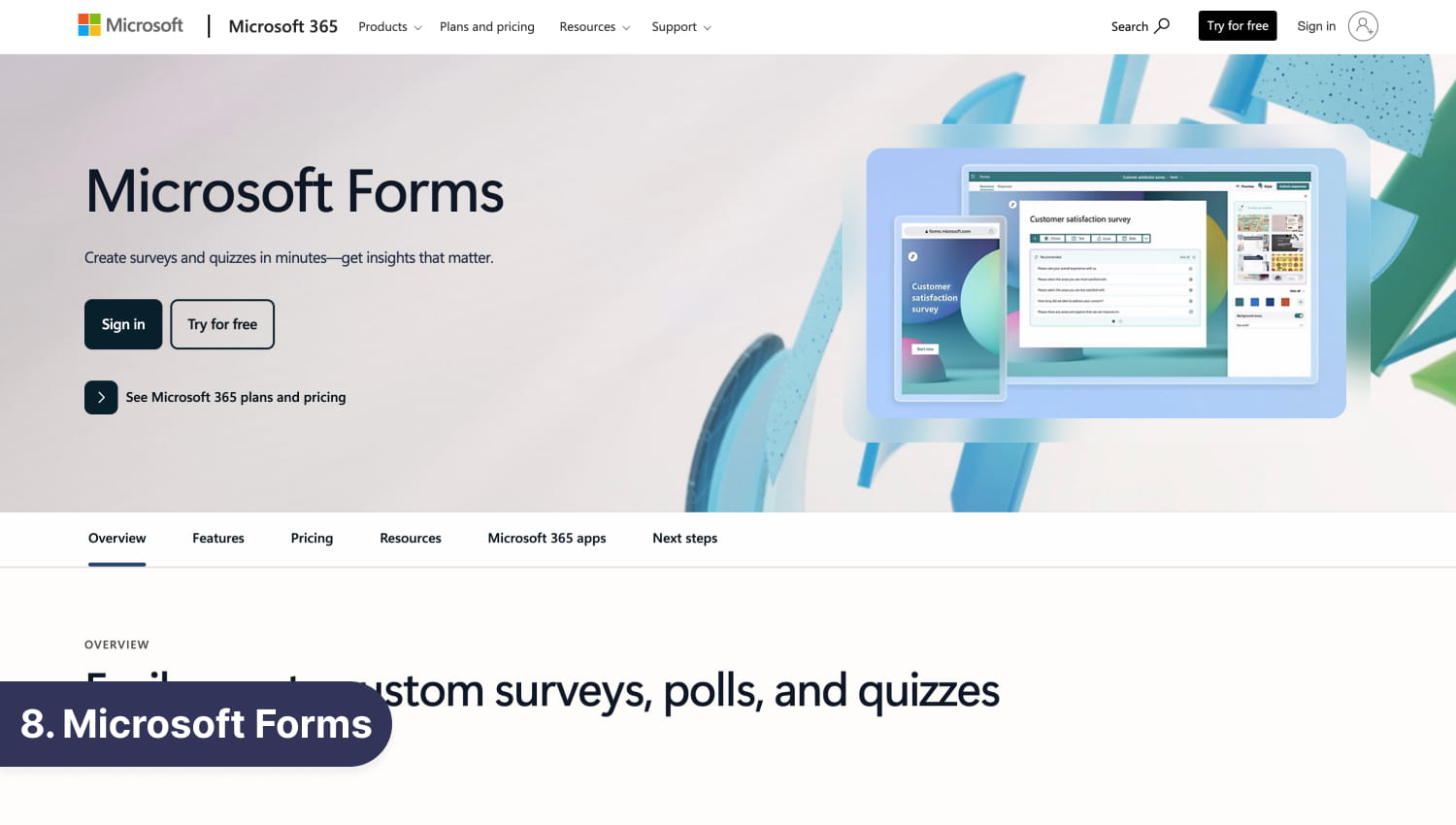
- Microsoft Forms is included with Microsoft 365 at no additional cost. It integrates natively with Excel, Teams, and SharePoint, making it practical for internal use in organizations already running the Microsoft stack. It lacks the feature depth and customization of any dedicated form builder, but if the team already has M365, there’s no reason not to use it for simple internal forms.
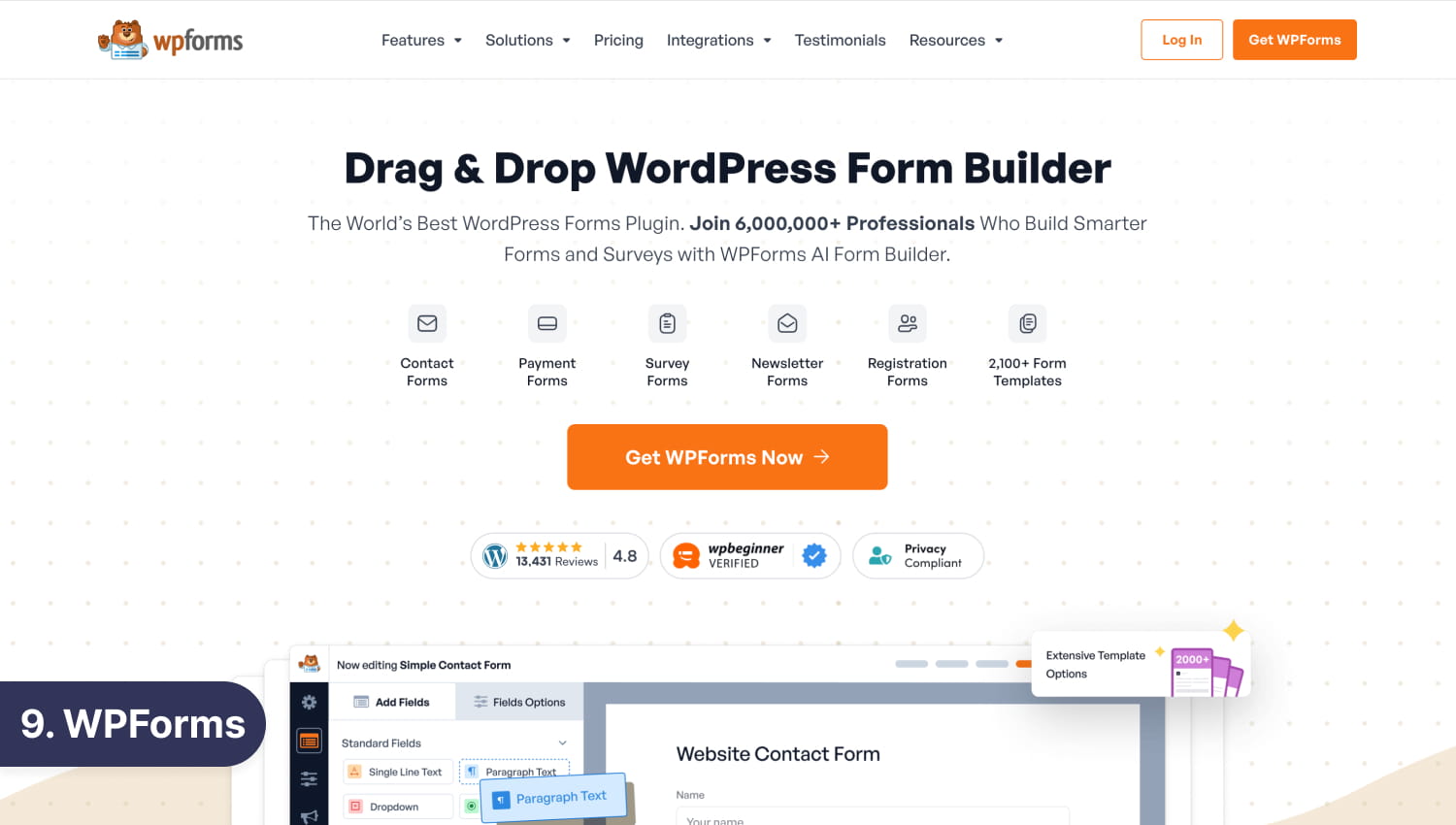
- WPForms is the best form builder if you run a WordPress site and want forms that live natively inside your CMS. It works entirely within WordPress and it handles everything from contact forms to payment collection without external dependencies. It has no meaningful value outside of WordPress. Paid plans start at $99/year.
- Zoho Forms makes sense primarily for teams already using Zoho CRM or other Zoho products. Form submissions can create or update CRM records automatically without middleware. As a standalone form builder, it’s functional but unremarkable. Free plan includes 3 forms; paid plans start at $10/month.
How to Choose the Right Jotform Alternative for You
Rather than picking a tool and working backward, start with your actual needs.
If you want the best all-around value, forms.app is the obvious starting point. It covers nearly every use case, including lead generation, surveys, payments, registrations, and feedback, and its pricing stays sensible as volume grows. The free plan is enough to evaluate properly before committing.
If you need completely free with no submission caps, Google Forms and Tally are your two options. They are good if you just need something that works internally, but you need something more if you need better-looking forms or form features.
If design and respondent experience are non-negotiable, Typeform and forms.app are worth looking at. The one-question-at-a-time format genuinely affects completion rates in high-stakes contexts like lead capture and customer onboarding.
If you’re in a regulated industry, Formstack is the only tool on this list with serious HIPAA compliance and enterprise approval workflows built in. Budget accordingly.
If your organization runs Microsoft 365, Microsoft Forms is already included and handles internal surveys well. Use it for that. Use forms.app for anything customer-facing.
If you run a WordPress site, WPForms is the most native and capable option. It lives inside your CMS and doesn’t require managing an external integration.
Final Verdict
Most teams looking for a Jotform alternative aren’t looking for something dramatically different – they’re looking for Jotform’s core capabilities at a price that makes sense as they grow, with fewer arbitrary limits getting in the way.
forms.app delivers that. It combines an intuitive drag-and-drop builder, 5,000+ templates, a capable AI generator, conditional logic, PDF generation, step and list views, and native integrations into a platform that stays affordable even at 100,000 responses per month. The 90-day refund guarantee means there’s no risk in trying it properly.
For the specific use cases where others win: Typeform for design-obsessed conversion forms, Google Forms when the budget is zero, Formstack for compliance-heavy enterprise workflows.
But for most businesses, marketers, agencies, SMEs, educators, and anyone who needs real forms that work, forms.app is where we’d start, and where most will stay.
FAQ
What is the best free Jotform alternative?
For pure free usage, Google Forms offers unlimited responses on its free plans. If you want a free plan that also includes AI features, conditional logic, e-signatures, and professional-looking forms, forms.app’s free plan covers all of that, and you get 100 responses per month.
What is cheaper than Jotform?
forms.app, Google Forms, Tally, and Zoho Forms are all cheaper than Jotform at most usage levels. forms.app is particularly cost-effective at scale as its Premium plan supports 100,000 monthly responses at a price point Jotform can’t match without a custom enterprise contract.
What is the best Jotform alternative for small businesses?
forms.app. Its free plan covers early-stage use, and its paid plans scale affordably. The combination of AI-assisted form creation, 5,000+ templates, native integrations, and professional output means small teams can move fast without needing a dedicated form builder specialist.
How We Tested These Tools
We evaluated each tool by building three types of forms on each platform: a lead capture form with conditional logic, a multi-page customer feedback survey, and a basic payment collection form.
What we scored:
- Ease of use: How fast could a non-technical user build and publish a working form?
- Feature depth: Does the tool support conditional logic, calculations, file uploads, payments, and integrations without requiring workarounds?
- Free plan generosity: What can you actually do for free, without a trial countdown?
- Form-filling experience: How does the form feel from the respondent’s perspective? Is it fast, clean, and mobile-friendly?
- Pricing transparency: Are the limits clear? Does the price stay predictable as you scale?
- Integration breadth: How easily does data flow into Google Sheets, CRMs, or automation platforms?
- AI capability: Can the AI generate a useful, complete form from a simple prompt?
We spent time on each platform over several weeks, using each tool as a real form creator would – starting from templates, building from scratch, testing logic, submitting responses, and following the data through to connected tools. Tools were selected based on frequency of appearance in search results, community recommendations, and coverage of distinct use cases. Our selections are editorially independent.